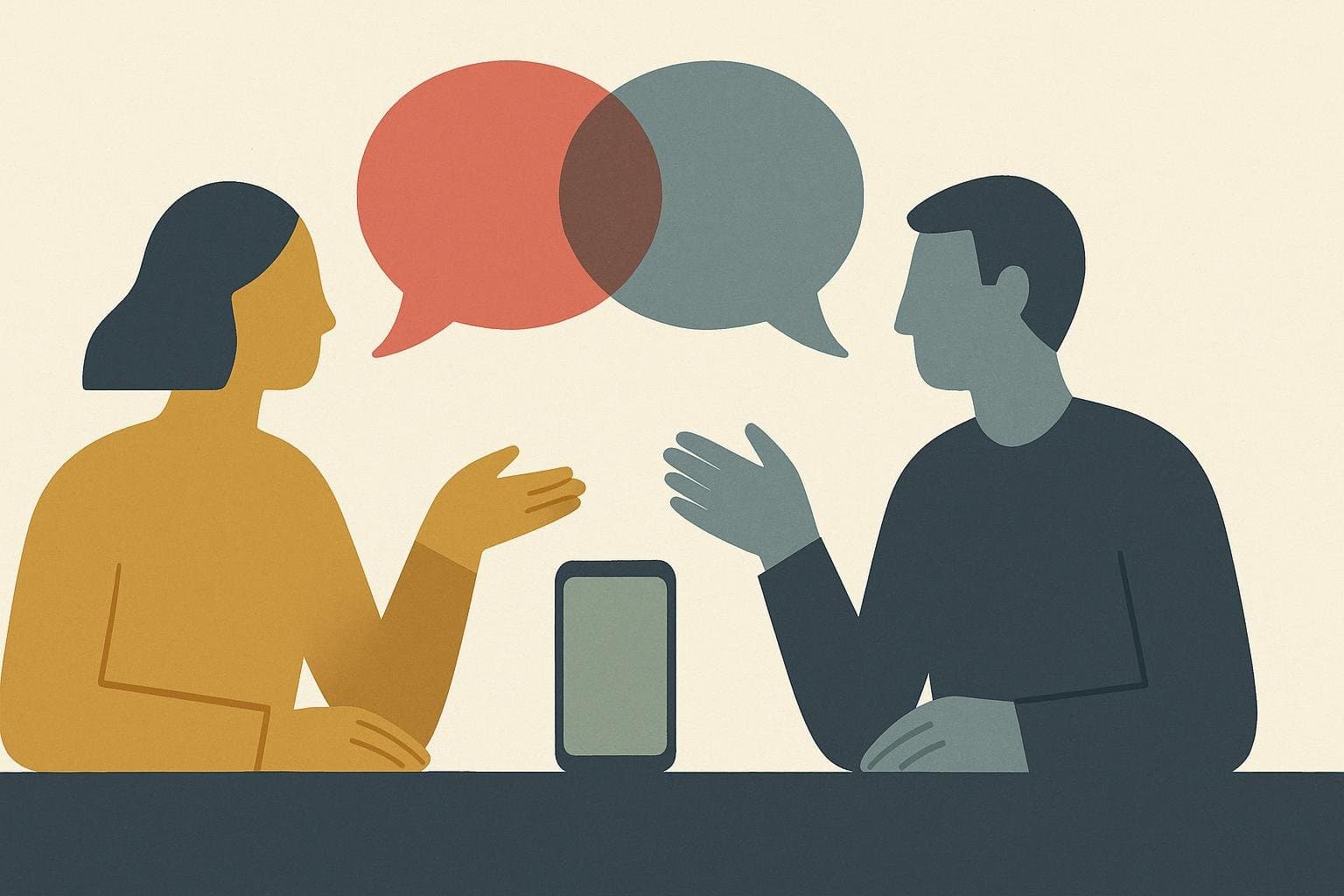
Summary: Confidence on camera is built from things that have nothing to do with feeling confident: where your eyes sit relative to the lens, how you are framed and lit, how much energy you add to carry a flat webcam mic, and what you do in the dead air after you stop talking. The On-Camera Stack works through those four in order. You sound confident on video calls by controlling four things that have nothing to do with how confident you feel in a conference room: where your eyes land relative to the lens, how you're framed and lit, how much energy you add to your voice to cut through a flat webcam mic, and how you handle the half-second of dead air after you stop talking. None of the tricks that work in person, standing tall, taking up space, walking while you talk, translate through a screen. A camera call runs on a different signal set entirely.
Picture the same person giving the same pitch twice. In the room, she stands at the head of the table and makes eye contact around the group. She paces a little while she talks through the numbers. People read her as sure of herself. On a Zoom call an hour later, she's sitting eighteen inches from a laptop camera that shows nothing but her face and shoulders, her voice is coming out of a two-inch speaker on the other end, and the pause she'd normally take to find her next sentence suddenly feels like it's stretching on forever. She sounds less sure than she did an hour earlier. That gap between how she feels and how she comes across is exactly what an unmanaged camera does to people.
This is a narrower problem than general meeting confidence, and it needs a narrower fix. If you want the underlying vocal mechanics first, downward inflection, cutting hedges, deliberate pausing, start with how to sound confident in meetings without being loud. This post is about the layer that only exists once a camera and a compressed audio feed sit between you and the other person.
The On-Camera Stack: A Framework for Sounding Confident on Screen
The On-Camera Stack is a four-step method for projecting confidence through a camera: Lens Lock (where you look), Frame the Shot (how you're set up), Lift the Voice (vocal energy), and Land the Line (pacing). Run through it before any call where how you come across actually matters.
Each layer replaces something a room used to do for you automatically. In person, your body language, the way you occupy space, how you move, how people's eyes track you around a table, does a lot of the confidence signaling without you thinking about it. A camera flattens all of that into a small rectangle with your face in it, plus whatever your microphone happens to pick up. The Stack rebuilds those signals on purpose, one layer at a time, because the camera won't do it for you.
You don't need all four warmed up for a casual daily standup. For a client pitch, a performance review, an interview, or any call worth getting right, running the full Stack for even thirty seconds beforehand changes how the first two minutes land. The rest of this post breaks down each layer and why it works.
Should I Look at the Camera or the Screen?
Look at the lens when you're the one talking, and let yourself look at the screen when you're listening or reacting. That's Lens Lock. The eye contact that reads as confident in person happens face to face. On a call, your face-to-face equivalent is a small circle of glass above or beside your screen, distinct from the row of faces looking back at you.
Most people default to watching the screen the entire time, because that's where the actual information is: faces, reactions, the chat. The problem is that looking at the screen while you're talking makes you appear to be looking down or to the side to everyone else on the call, since the camera usually isn't positioned where your eyes are pointed. It reads as distracted even when you're completely locked in.
A study published in the Journal of Vision in 2025 tested exactly where people should aim their gaze to be perceived as making eye contact on a video call. The strongest perceived eye contact came from a gaze aimed slightly below the lens, about two degrees down from center, rather than from staring directly into it. The practical takeaway is that your eyes only need to be generally aimed near the camera while you're speaking. You can relax the moment you stop talking.
Try this on your next call. When you're about to make your main point, glance up at the lens for that sentence, then let your eyes drop back to the screen once you're done. It feels unnatural for about three calls. Then it becomes the thing you do without deciding to do it, the same way you'd naturally look at whoever you were addressing directly in a room.
Does Turning My Camera Off Hurt How I'm Perceived?
Whether the group already has a norm around cameras determines the cost, more than the camera itself does. When everyone else has their camera on and yours is the one black box in the grid, people read something into that, usually disengagement, even if you're taking notes and paying full attention. When half the call already has cameras off because it's a big all-hands or just a habit on that team, nobody notices yours specifically.
The confidence cost comes from mismatch: being the one exception in a room that expects something different from you. Muting yourself when everyone else is unmuted stands out. Keeping your camera off in a one-on-one with your manager, when it's normally on, stands out far more than the camera being off ever would during a twenty-person town hall.
If you're keeping your camera off for a call that matters, a quick heads-up fixes almost all of the perception cost: "keeping my camera off today, rough wifi" or "off camera, but fully here." One sentence removes the ambiguity that was doing the damage in the first place. The uncertainty is what actually costs you, more than the camera ever does.
How Framing and Lighting Signal Confidence
Frame the Shot means your face fills the upper two-thirds of the window and your light source faces you instead of sitting behind you. It also means the camera sits at eye level, instead of pointing up your nose or down over your forehead. This is the on-camera version of standing up straight and taking up appropriate space in a room. Nobody consciously registers good framing. Everyone registers bad framing, even if they couldn't tell you why a particular call felt off.
A window behind you turns you into a silhouette, and the other person spends the call squinting at a dark outline instead of your face. A laptop sitting flat on a desk puts the camera below your eyeline, so everyone else ends up looking up your nose and at the underside of your chin, an angle that reads as sloppy rather than composed. A camera mounted too high has the opposite problem. It looks down on you, and you read as smaller and less sure of yourself than you actually are.
Everything here uses equipment you already own. Point a desk lamp at your face instead of letting a window behind you do the lighting, and the silhouette problem disappears immediately. Prop the laptop on two or three books until the camera sits level with your eyes, then sit close enough that your shoulders show in frame instead of just a floating head. Save that setup once, and every call after starts from a position that's already working for you.
Good framing and lighting work indirectly. They clear the visual noise that would otherwise compete with the vocal signals actually doing the work.
Why Do I Sound Less Confident on Video Calls Than in Person?
Video flattens your voice two ways at once. Mechanically, a weak webcam mic and heavy audio compression strip out a lot of your natural pitch variation. Psychologically, the extra load of watching your own face while you talk pulls attention away from delivery. The same voice, the same energy, the same words, comes out sounding thinner and more monotone once it's been through that pipeline.
Built-in laptop microphones are small and cheap by design, and they roll off much of the low-frequency resonance that gives a voice its sense of weight in person. Call software then compresses and normalizes whatever's left, squeezing loud moments down and quiet moments up so nothing clips, which also squeezes out a good chunk of the pitch variation you'd normally use to emphasize a point. You can put real energy into a sentence and still have it arrive on the other end sounding flat.
Stanford researcher Jeremy Bailenson, who directs the university's Virtual Human Interaction Lab, published research in 2021 identifying the psychological load that's unique to video calls, including the fact that most platforms show you a live video of your own face the entire time you're talking. Watching yourself in real time adds a layer of self-monitoring that a normal conversation doesn't have, since you're never staring at a mirror of your own reactions while talking to someone in a room. That extra processing pulls attention away from delivery, and delivery is usually the first thing to flatten under load.
That pipeline flattens your energy no matter how much you start with, which is exactly why the next layer of the Stack exists: adding energy back in on purpose.
How to Fix a Monotone Video-Call Voice
Push noticeably more pitch range and emphasis into your voice than feels natural, roughly one size louder and more animated than how you'd talk face to face. That's Lift the Voice. It feels like overacting from the inside. It sounds normal, even pretty good, on the other end, because the mic and the compression are going to flatten a portion of whatever you send them.
Think of it the way singers and broadcasters treat a microphone: they match their output to what the equipment needs in order to reproduce them accurately, rather than performing quietly and trusting the room to carry them. A camera call runs on the same math. If your baseline energy is a 5 out of 10 in person, aim for a 7 on a call. The other end will still receive something close to a 5, which is exactly where you wanted to land.
The fastest way to feel the difference is to record a 30-second answer to any question at your normal talking energy, then record the same answer again pushing your energy up noticeably, almost more than feels comfortable. Play both back. The first one usually sounds duller than you expected. The second one usually sounds like the right amount, even though it felt like a stretch while you were saying it.
A few small habits move the needle fastest. Land on your key words instead of letting your pitch stay flat across the whole sentence, the way a headline gets bolded instead of the whole paragraph. Smiling slightly while you talk changes your resonance in a way listeners can hear without being able to say why. Posture matters too. Sitting up instead of sinking into your chair gives you the breath support that slouched sitting quietly takes away.
Why Silence Feels Louder on a Video Call
A pause that would feel completely normal in person feels much longer on a call, because a small transmission delay and the fear of talking over someone make silence feel riskier than it actually is. That fear is why people rush their sentences and stack filler words into every gap, starting the next thought before they've actually finished the last one. Land the Line is the fix: finish your sentence fully, then let a beat of silence sit before the next one.
Video calls run on a lag most people can't consciously detect but can absolutely feel. That half-second of uncertainty, is it my turn, did they finish, is the call frozen, trains people to fill every gap rather than risk an awkward overlap or a moment that might read as a technical glitch. The instinct is reasonable. The result is a stream of "um, so, yeah, I think, you know" stitched between every real sentence, because silence on a call feels like something might be broken, even though nothing is.
A one-second pause after you finish a point gives the other person a clear signal that you're done and gives you a beat to breathe before the next thought. Replacing filler words with silence works the same way on a call as it does in a room, except the payoff is bigger, because a clean pause on video reads as someone in control of a slightly awkward medium.
Practice this on your next low-stakes call. After you make a point, stop completely. Count one full second in your head before you say anything else, including "so" or "anyway." It will feel like the call just went dead. It won't look that way to anyone else on it.
A Two-Minute Warmup for Running the Stack
Run through all four layers in under two minutes before any call that matters: check your framing and light, find where the lens actually is, say one sentence out loud to check your energy, and remind yourself to let pauses sit. Two minutes feels like nothing, and it's usually the difference between walking into a call cold and walking in already set up to sound like yourself.
Here's the sequence. Open your camera app or join the call thirty seconds early. Check the frame: face in the upper two-thirds, light in front of you, camera at eye level. Find the lens with your eyes so you know exactly where it is. Say a full sentence out loud, at the energy you're planning to use, and notice if it feels like too much. It probably doesn't. Then take one slow breath and remind yourself that silence is doing its job.
The harder part is knowing whether any of this actually worked, because you can't watch yourself the way another person watches you. Wellspoken's desktop app records an actual Zoom, Google Meet, or Microsoft Teams call while it's happening, then uses multi-speaker isolation to pull out only your segments from the conversation, so you're reviewing exactly how you came across on a real call instead of a rehearsal you set up for yourself. That's a different kind of feedback than a mirror or a practice recording, because a real call carries real stakes, the exact conditions the Stack is meant to hold up under.
The free tier includes three scored practice sessions a week, enough to build the habit around your biggest calls without committing to anything. Pro runs somewhere between $70 and $110 a year depending on the plan, for whenever you'd rather have it running by default. The Wellspoken Index scores your delivery on the same kind of signals covered here, so you can see which layer of the Stack needs the most work instead of guessing.
Key Takeaway
Sounding confident on video calls is a camera-specific skill built from four fixes: Lens Lock (look near the camera lens while you're speaking, the screen while you're listening), Frame the Shot (eye-level camera, light facing you, shoulders visible in frame), Lift the Voice (push more pitch range and emphasis than feels natural), and Land the Line (let pauses sit instead of rushing to fill them). Run the full Stack for two minutes before any call where the outcome matters. Record a real call every so often to check whether it's actually landing the way it feels like it is.
FAQs
Why does my voice sound flat on video calls?
A weak laptop microphone and heavy audio compression both strip out a chunk of your natural pitch variation before it reaches the other person. Relaxing into your normal energy gets flattened right along with everything else, so pushing more pitch range and emphasis into your voice than feels natural is what actually survives the trip. It usually arrives sounding just right on the other end, even though it feels like too much while you're saying it.
Is it rude to look at your screen instead of the camera on a call?
People mostly read it as slightly evasive rather than rude, since a screen-focused gaze looks like looking down or away instead of at them. Reserve direct lens contact for the moments you're actually delivering a point, and let your eyes rest on the screen while you're listening or reading a reaction. That split covers both what you need functionally and what reads as attentive on the other end.
How do I stop talking over people or getting talked over on video calls?
Build in a half-second buffer before you respond, long enough to be sure the other person actually finished rather than just paused mid-thought. If you do talk over someone, stop immediately and say "go ahead," then let them finish before you pick your point back up. Getting talked over often has more to do with pacing than confidence: shorter sentences with a clear stopping point are easier for others to predict and harder to interrupt than long, meandering ones.
See exactly how you come across on your next Zoom, Meet, or Teams call. Download Wellspoken