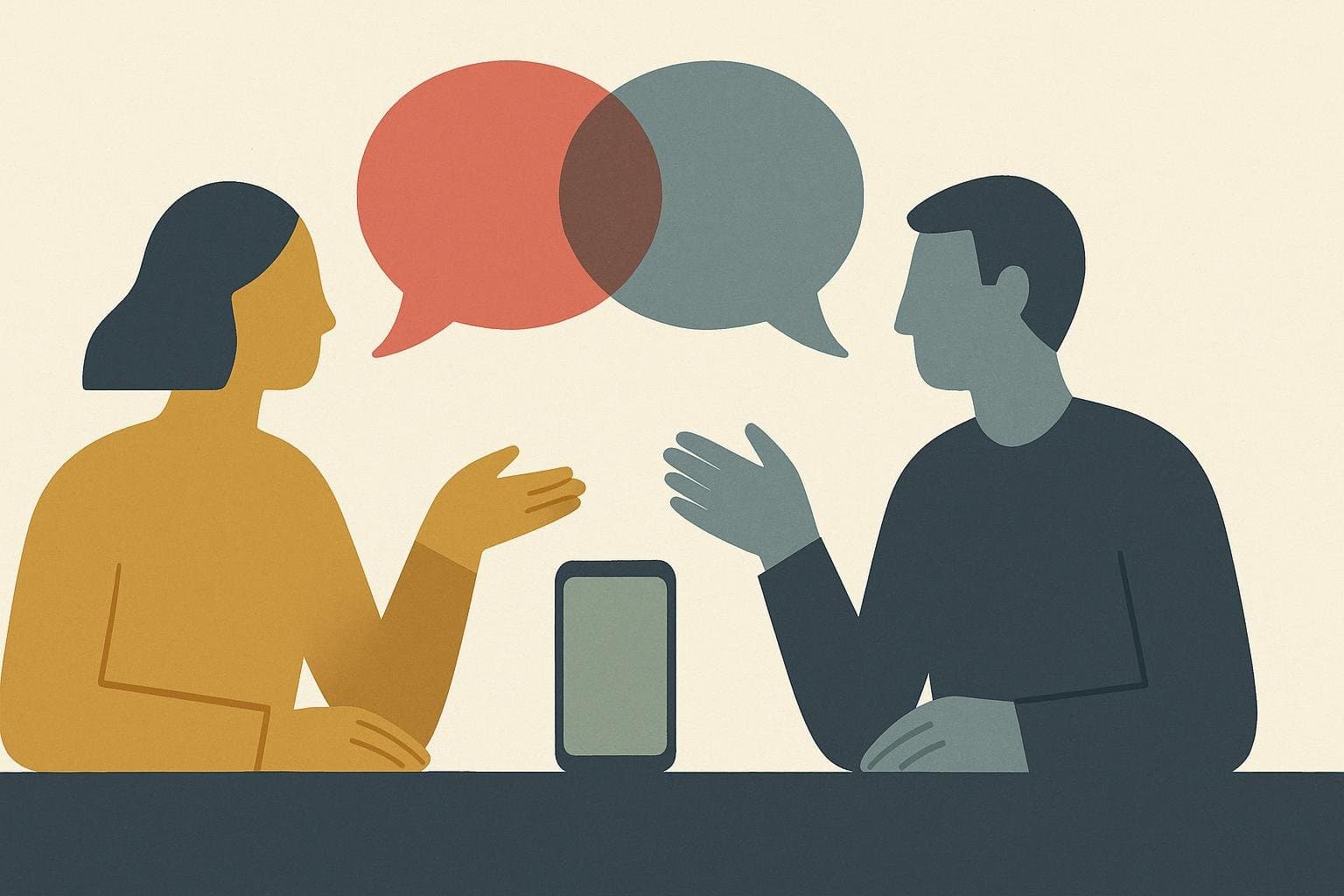
Summary: Most causes of Zoom fatigue are out of your hands once a meeting starts. How you structure what you say is the exception, and it either adds to the load your listeners are carrying or takes weight off. The Jump-Cut Method removes the runway before your point instead of shortening the point itself. Zoom fatigue is real, and researchers at Stanford have measured it directly. Once a meeting starts, though, most of its causes are out of your hands. One part of it isn't. How you structure what you say either adds to the load your listeners are already carrying on a video call, or it takes weight off. Rambling, unstructured speech is one of the few sources of meeting exhaustion an individual speaker fully controls, and it's also one of the more fixable ones.
Here's the mechanism in plain terms. Video calls already force your brain to do extra work: parsing a grid of faces instead of a room, watching your own face while you talk, reading flattened nonverbal cues that would be automatic in person, and doing all of it while stuck in the same static frame. Stanford's Virtual Human Interaction Lab has spent years documenting why that's draining, and the underlying problem is cognitive load. Add a rambling, unstructured answer on top of that, and you're asking an already-taxed brain to hold onto loose threads with no clear destination. A listener in person can coast on body language to stay oriented even when a speaker wanders. A listener staring at a grid of video tiles has fewer of those cues to lean on, so a wandering answer costs more.
This post covers what the Zoom fatigue research actually found and why video calls cost more attention than the same conversation would in person. It also introduces a framework called the Jump-Cut Method for saying what you mean in remote meetings without adding to that load, plus the two questions people usually ask next: does turning off self-view help, and how many video meetings a day is genuinely too many.
Is Zoom Fatigue Real?
Yes. Zoom fatigue is a documented, measurable phenomenon, confirmed by controlled research rather than anecdote alone.
The clearest evidence comes from a 2021 study out of Stanford, led by researchers Geraldine Fauville and Mufan Luo alongside Jeff Hancock and Jeremy Bailenson. They built a validated survey instrument called the Zoom Exhaustion & Fatigue Scale and used it on more than 10,000 people. The results were stark. 13.8% of women reported feeling "very" to "extremely" fatigued after video calls, compared with 5.5% of men. That gap wasn't random noise. The researchers traced a meaningful share of it to what they called mirror anxiety, the discomfort of watching your own face on screen for hours at a stretch, which the data showed affects women more than men on average.
This wasn't a one-off finding. Bailenson had already published a theoretical paper earlier that year in the journal Technology, Mind, and Behavior, arguing that video calls create a specific kind of nonverbal overload that in-person conversation doesn't produce. The survey data that followed backed up the theory with numbers. By 2021, "Zoom fatigue" had gone from a shared anecdote to a documented, data-backed phenomenon, complete with a research scale built specifically to measure it.
Why Are Video Calls More Tiring Than In-Person Meetings?
Video calls demand more cognitive effort than in-person conversation because they compress or distort the cues your brain normally processes without thinking, forcing conscious effort where in-person communication runs on autopilot.
Picture the same one-on-one conversation happening two ways. In person, you sit across a table from someone and glance away without a second thought whenever your mind wanders. You shift in your chair sometimes too. None of that reads as strange, because it's how people normally behave in a room. On a video call, you're locked into a small rectangle, staring at a face that's staring back, aware that your own face is doing the same thing on their screen. Both conversations cover identical content. Only one of them leaves you drained by four in the afternoon.
Bailenson's research names four specific reasons for that gap.
Excessive close-up eye contact. In person, eye contact is intermittent and comes with natural exits, like glancing at your notes or looking away to think. On a video call, every face on the grid appears to be staring directly at you for the entire meeting, an intensity normally reserved for much more intimate interactions.
A heavier cognitive load for reading nonverbal cues. In person, your brain interprets body language almost without effort. Video compresses people into a small, flat rectangle and often adds a slight audio lag, so your brain has to work harder to send and receive the same signals it would normally process automatically.
Watching yourself for hours. Bailenson has compared the self-view window to having an assistant hold a mirror in front of you all day. Most people have never seen their own face this much while talking to other people, and the research connects that self-monitoring directly to fatigue.
Constraints on physical mobility. In-person meetings let you get up and move around. A webcam has a fixed field of view, so you're stuck in roughly the same position for the length of the call.
Stack those four on top of each other for six or seven meetings in a day and the exhaustion stops being surprising. It's cumulative, and none of it has anything to do with the content of what anyone actually said.
Why Structure Matters More on a Screen Than in a Room
Unstructured speech costs listeners more on video than in person. It adds a second processing burden on top of everything else a video call already demands of a listener's attention, so a rambling answer that barely registers in a conference room becomes genuinely tiring on a grid of faces.
Think about what a listener's brain is already doing during a video call. It's holding open a channel for eye contact that never breaks. It's also tracking a flattened, delayed version of your body language, missing most of what a screen just can't carry. For some people, per the Stanford research, it's quietly comparing its own face in the corner of the screen to everyone else's. None of that leaves much spare capacity for a wandering answer.
When you speak without structure, you make your listener do the organizing work you skipped. They have to hold every clause you say in working memory, waiting for the sentence that tells them why any of it matters. In a conference room, they can afford that because they have spare attention to spend. They can glance around, read the room, let their focus drift for a second, and catch back up. On a video call, that spare attention is already spoken for. A rambling answer doesn't just take longer. It asks for a resource your listener has less of to begin with.
This is a more specific, video-tuned version of a broader habit: rambling in meetings costs you everywhere, video just raises the price. You can't change how a webcam frames your face or how Zoom renders eye contact. What you can change is whether your answer arrives already organized or needs live assembly by everyone listening to it.
The Jump-Cut Method: How to Structure What You Say on Video Calls
The Jump-Cut Method is a three-part structure for answering on video calls: cut in with your point, cut to your reasoning, cut out before you repeat yourself. It's built specifically for the higher cognitive cost of video, where every extra clause competes with everything else a listener's brain is already tracking.
Here's the difference it makes. A colleague on a video call asks whether the launch date should move. An unstructured answer sounds like this:
"So I've been looking at the timeline, and there's a few things going on. QA found some issues with the checkout flow, and design is still waiting on a couple of assets, and I talked to the backend team yesterday and they seem okay on their end but I haven't heard back from mobile yet, so I guess what I'm thinking is maybe we push it, but I'm not totally sure, it depends on what everyone else thinks."
That's four separate threads a listener has to hold open, on top of a grid of faces and their own self-view, before they even learn what the speaker recommends. Here's the same information through the Jump-Cut Method:
"I recommend we push the launch by one week. QA found checkout bugs that need fixing, and design is still waiting on final assets. Backend is on track. I'm following up with mobile today."
Same facts. Roughly a third of the words. The listener knows the recommendation before the second sentence even starts.
Once you have the shape, the three moves are straightforward.
Cut in. Open with your point in the very first sentence. No wind-up. No rebuilding context everyone already has. On video, this matters more than it does in person because your listener doesn't have peripheral, in-the-room cues to guess where you're headed. Without a clear opening line, they're holding every clause in suspension, waiting for the one that tells them why it matters, while also managing a screen full of faces.
Cut to. Follow with one or two pieces of support, never five or six. Each additional reason is one more item competing for attention that's already split between your words and everything a video call demands visually. If you have more than two reasons, pick the two that would actually change the listener's mind and hold the rest for later.
Cut out. Stop talking, without restating the point or trailing into "does that make sense?" Just stop. On a video call, latency and talk-over already make it hard to tell when someone has actually finished a thought. A clean, deliberate stop is a signal in itself. It tells the room the floor is open instead of leaving everyone guessing whether you're truly done.
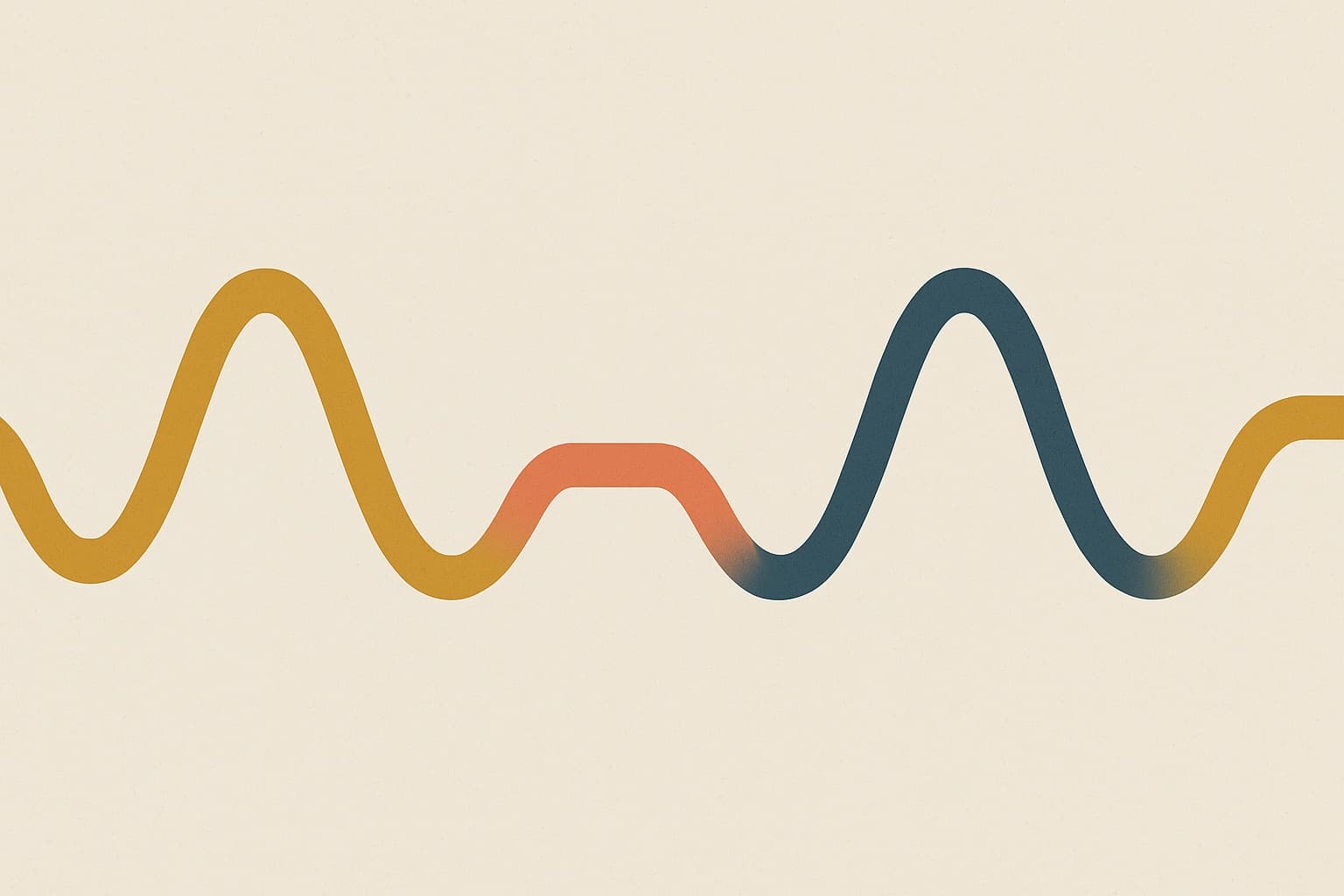
The name borrows from film editing. A jump cut removes the transition and moves straight from one meaningful moment to the next, no lingering shot, no scene-setting. Applied to speech, it means cutting your own throat-clearing and moving straight to the part your listener actually needs.
Does Turning Off Self-View Actually Help?
Yes, for most people. Research tying self-view to mirror anxiety found that hiding your own video feed reduces one of the specific mechanisms behind Zoom fatigue, especially for the people most affected by it.
The Stanford survey of over 10,000 people that produced the Zoom Exhaustion & Fatigue Scale also tested why women reported more fatigue than men. The gap wasn't explained by workload or interest in the meetings. It was explained in part by mirror anxiety, the self-conscious discomfort of watching your own face on a screen for hours at a stretch, which the data showed affects women more than men on average.
That finding lines up with the practical fix that's now common advice: hide your own video tile. The major platforms, Zoom, Google Meet, Microsoft Teams, all let you turn off self-view without turning off your camera for everyone else, so the people on the call still see you. You just stop watching yourself.
It won't fix the whole problem. Self-view is only one of four mechanisms identified in the Stanford research. Hiding your own tile doesn't change the close-up eye contact everyone on the call is still making with you, and it doesn't give you back the ability to move around during the meeting. But it removes a real, specifically studied source of fatigue, and it takes about five seconds to turn off.
How Many Video Meetings a Day Is Too Many?
There's no single number that applies to everyone, but the research on meeting fatigue points to a clearer answer than raw count: back-to-back video calls with zero recovery time between them are where the damage compounds fastest.
Microsoft's Human Factors Lab tested this directly in 2021 using EEG caps on a small group of participants. One week, participants sat through four half-hour video meetings back to back, two straight hours with no gap. The following week, the same four meetings were spread out with 10-minute breaks in between. The brain data showed a clear pattern. Beta wave activity, a marker associated with stress, climbed steadily through the back-to-back block and stayed flat when breaks were included. Engagement markers told the same story in reverse: higher during the meetings with breaks, lower without them.
Recovery time between calls matters more than raw meeting count. A day with six video meetings and real gaps between them is very different from a day with three meetings stacked with no breathing room. If your calendar regularly runs video calls back to back with zero buffer, that's a stronger warning sign than the total number on the schedule.
A reasonable rule to test on your own calendar: build in at least five to ten minutes between video meetings, even if that means ending calls a few minutes early. Notice how you feel by 4 p.m. on a day with buffers built in compared to a day without one. Most people can feel the difference within a week.
How to Practice the Jump-Cut Method Before Your Next Call
The fastest way to internalize cut in, cut to, cut out is to record yourself answering a real work question and check whether your first sentence is the point or the wind-up.
Pick a question you're likely to get in your next meeting: should we ship Friday, what's blocking the project, why did the numbers move, or what do you recommend. Set a timer for 30 seconds. Record yourself answering out loud, not in your head. Then listen back and check one thing: is your first sentence the actual answer, or does it take you a few sentences to get there?
If the point doesn't land until midway through, you rambled into it instead of cutting in. That's normal the first few times. The fix is deciding your answer before you start talking, then saying that sentence first.
A useful variation once cut in feels natural: explain the same update in 60 seconds, then in 30, then in 15. Each round forces you to protect the point and cut whatever doesn't support it, which is exactly the discipline cut to and cut out are asking for. This is the same underlying skill behind giving shorter answers at work generally, just aimed specifically at a format where the cost of rambling is higher. Filler words compound the same problem. See cutting filler words for a focused way to work on that habit separately.
Wellspoken's desktop app builds this kind of practice directly around real meetings instead of hypothetical ones. It records your actual video calls, on Google Meet, Zoom, Microsoft Teams, whatever you're already using, and uses multi-speaker isolation to separate your voice from everyone else's on the call before scoring anything. Conciseness is scored as one of six dimensions in the Wellspoken Index, its 1000-point framework for spoken communication, so you can see whether your real answers in real meetings are landing closer to the rambling version or the Jump-Cut version. The free tier includes three scored practice sessions a week. Pro runs roughly $70 to $110 a year.
Key Takeaway
Zoom fatigue is real and well measured. Most of what causes it, the eye contact, the self-view, the flattened nonverbal cues, the fixed camera frame, sits outside your control once a call starts. How you structure your own speech doesn't. The Jump-Cut Method, cut in with your point, cut to one or two reasons, cut out before you repeat yourself, is a direct way to stop piling your own rambling on top of a format that's already asking a lot of everyone's attention. Practice it on real questions, not hypothetical ones, and the habit shows up on its own in your next meeting.
FAQs
Is Zoom fatigue a real medical condition?
Zoom fatigue describes a real, measured response, even though it isn't a formal clinical diagnosis. Stanford's research used validated survey instruments across more than 10,000 respondents, and later work has added EEG and heart rate data on top of the original survey findings, which is a lot of converging evidence for something that started out as a casual complaint.
Does turning off my camera entirely reduce fatigue more than adjusting settings like self-view?
Turning off your camera removes eye contact and self-view fatigue almost entirely, since neither applies when there's no video feed. It comes with a real cost though: many workplace studies on video meetings find that camera-off participants report feeling less engaged and connected, so it's a tradeoff between short-term energy and how present you seem to the rest of the call.
Can the Jump-Cut Method work in a normal in-person meeting too?
Yes. Leading with your point and following it with one or two reasons works anywhere, since it's really a discipline about organizing your thoughts before you speak. It matters more on video because skipping it costs more there, but the method itself isn't screen-specific.
Practice the Jump-Cut Method on your real meetings with Wellspoken's desktop app and live Wellspoken Index scoring. Download Wellspoken